From the first call to getting paid.
One trip, one board. Here is how a trip moves through Livery Pilot.
Get set up under your company name
Livery Pilot is set up for your company, not shared with anyone else's. You get your own web address, logins and data, with your name, logo and colors, your rates and policies, drivers and vehicles.
Take the call and book the trip
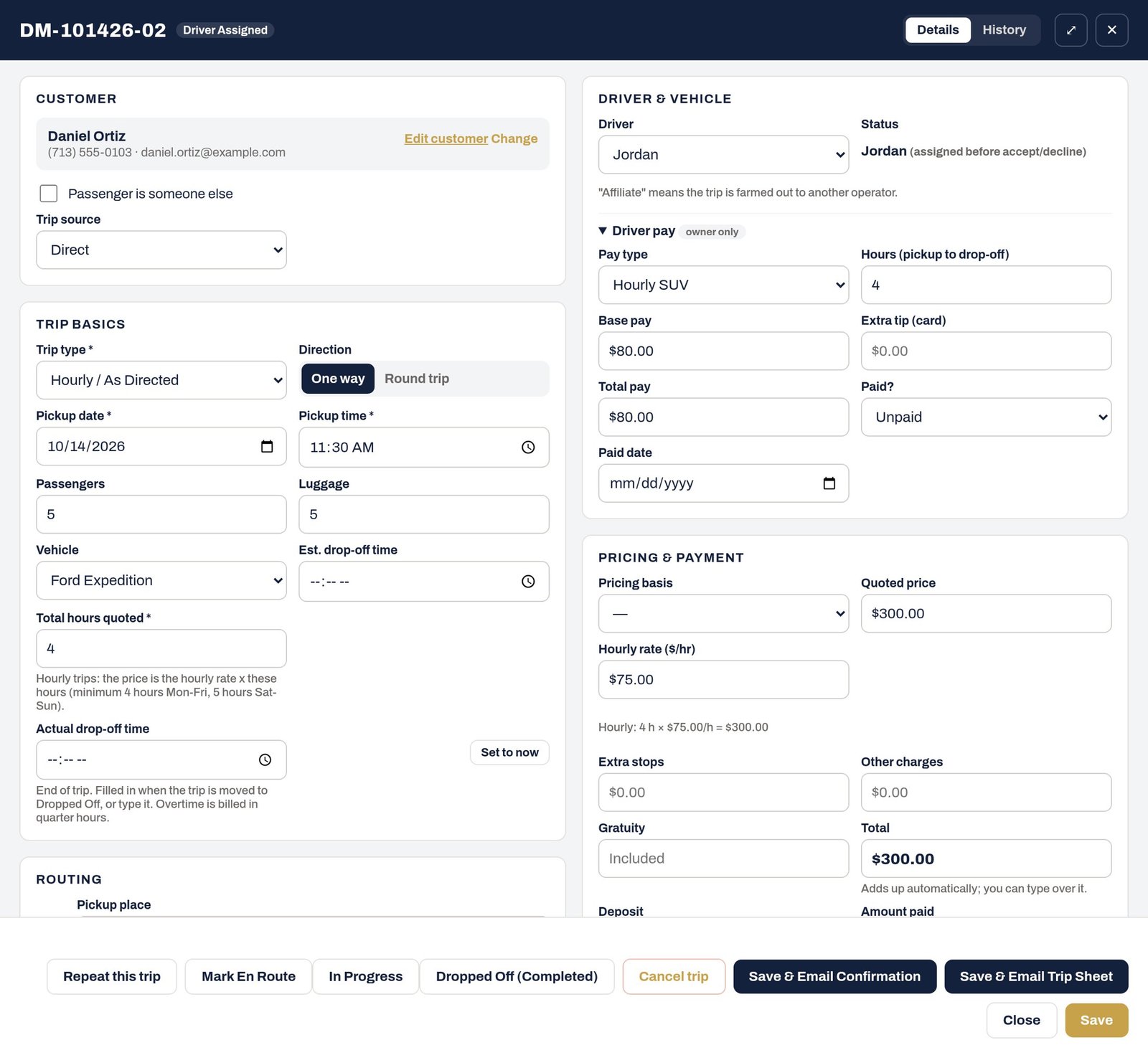
Pick a returning customer or add a new one, then enter the trip type, date and time, pickup, stops, drop-off, passengers and vehicle. Save it as a quote or book it. Round trips make two linked cards, one for each leg.
Put a driver on it
Drag the card to Driver Assigned and pick a driver. They get an email with Accept and Decline buttons and answer from their phone.
Follow the trip live
Drivers tap On My Way, Arrived, Customer in Car and Dropped Off. The card moves on your board as they go.
Send out or take in affiliate trips
Need to hand a trip to another company? Send a trip sheet from the Farm Board. Trips sent to you land on the same board.
Invoice, track payment and settle
Make numbered invoices, track deposits and balances, and mark each trip settled when it is closed out and paid. Driver pay and estimated profit are figured per trip, for the owner's eyes only.